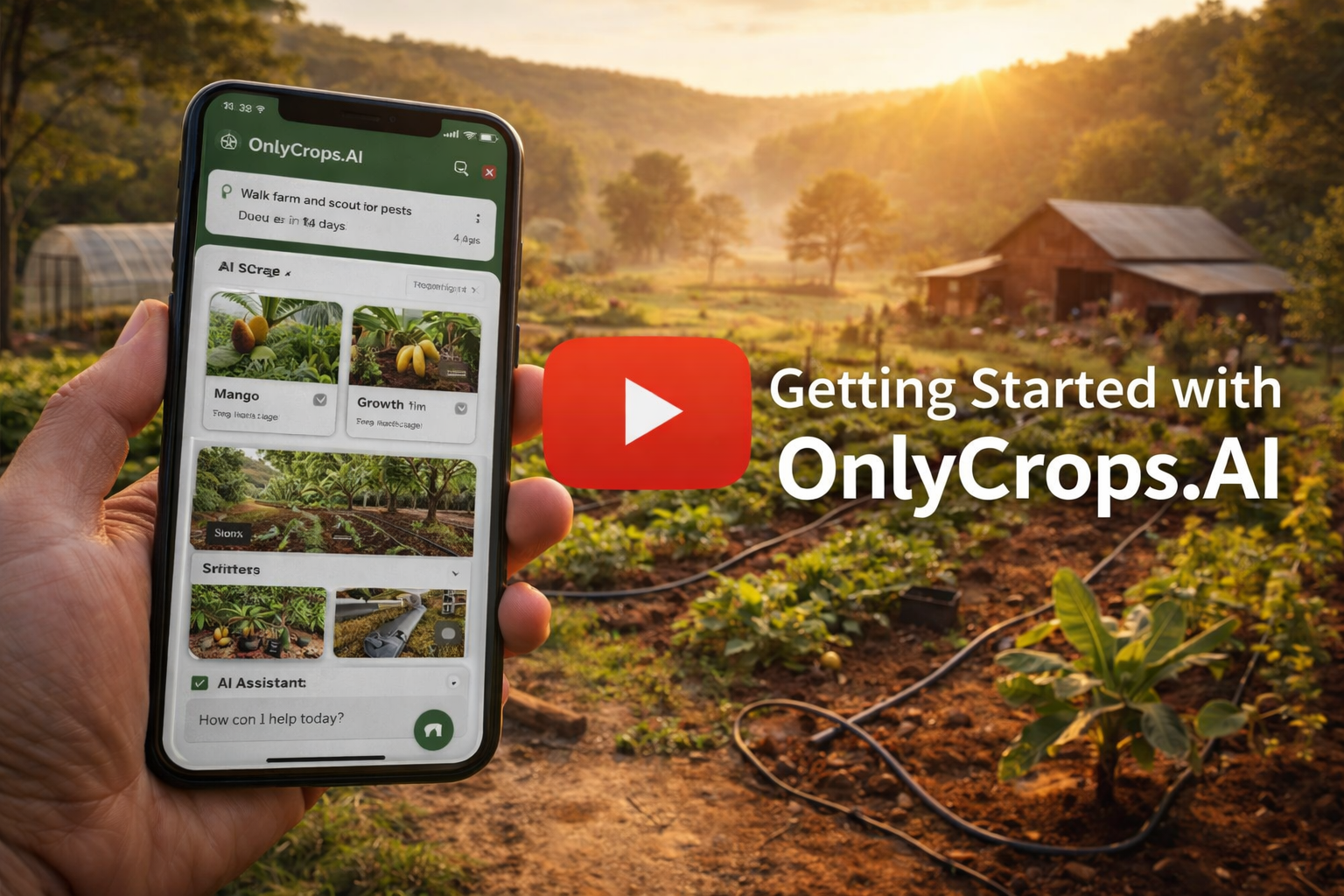
So you signed up with OnlyCrops.AI and now you're wondering what to do next? Check out the short video below to see the basic setup and usage steps!
In this video you will learn:
- How to add crops
- How to add expenses/income (including recurring)
- How to add zones
- How to upload photos for AI analysis
- How to ask the AI about your farm
- How to update your farm and account info
- How to contact us for help
If you have any questions, feel free to contact us - you can use the contact form link within the app which appears under the "Account" menu dropdown (as shown in the video).