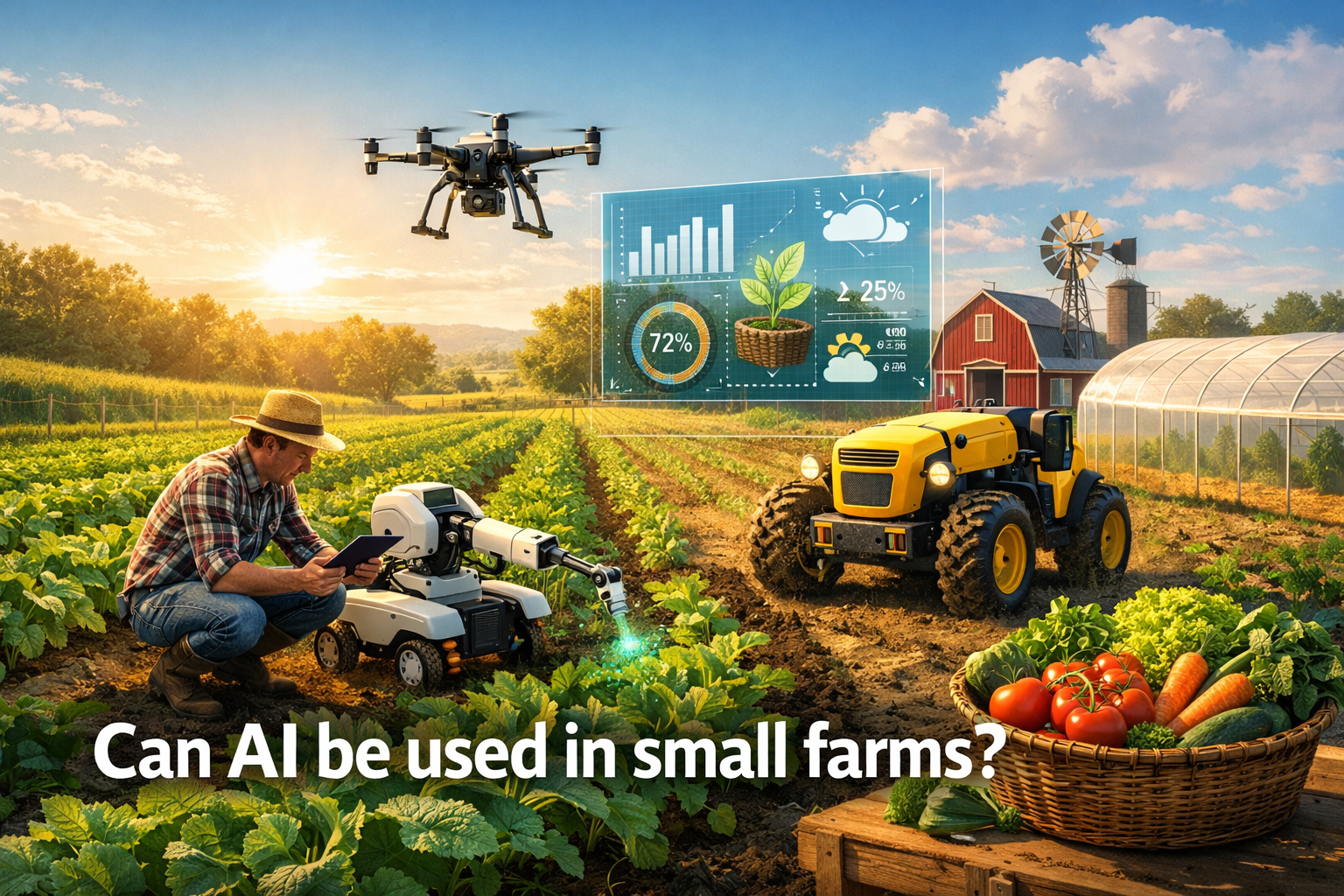
Can AI be used in small farms?
Yes--AI can be genuinely useful on small farms, and it doesn't require fancy robots, expensive machinery, or a tech team.
In practice, "AI on a small farm" usually means tools that help you notice problems earlier, plan work more efficiently, and make decisions with less guesswork. For homesteaders, market gardeners, and smallholders, the biggest benefit is often simple: saving time and reducing avoidable losses.
The key is using AI where it fits naturally into your day--not forcing your farm to match the technology.
What AI can realistically do for small farms (today)
AI shines in farm operations that involve pattern recognition, repetition, and decision support. Here are the most practical, small-farm-friendly uses:
1) Catch issues early with visual checks
Instead of relying only on memory or "that looks a bit off," AI can help you flag potential problems sooner.
- Plant stress signals (leaf discoloration, wilting patterns)
- Pest or disease symptoms (spots, curling, chewing damage)
- Nutrient deficiency hints (yellowing, stunting, uneven growth)
You still make the call--but AI can shorten the time between "something's wrong" and "I should take action."
2) Turn scattered notes into a usable plan
Most small farms run on a mix of mental reminders, notebooks, and messages to yourself. AI can help pull those into something more structured:
- Suggested task lists based on the season and crop stage
- Prioritization when you're overloaded
- Faster planning for planting, harvesting, and bed turnover
This is where AI saves you from forgetting the small stuff that becomes big later.
3) Improve consistency in recordkeeping (without the pain)
Good records help you learn what worked. But recordkeeping is tedious--so it often doesn't happen.
AI can make it easier to maintain:
- Planting dates, varieties, and bed assignments
- Inputs (compost, amendments, sprays--organic or otherwise)
- Irrigation schedules and changes
- Harvest amounts and notes
The less friction, the more you'll actually keep records--and the more value you get from them.
4) Make faster decisions with "good enough" guidance
Small farms don't always need perfect data. You need fast, reliable direction:
- "What's the most likely cause of this symptom?"
- "What's the lowest-risk next step?"
- "What should I monitor over the next 48 hours?"
AI can help you think through options, especially when you're juggling ten things at once.
What AI won't do (and why that's okay)
AI is useful, but it's not magic. It won't replace your experience with:
- Microclimates and quirky farm conditions
- The feel of soil, timing, and intuition built over seasons
- The reality of labor, weather swings, and "today we just do what we can"
The goal isn't to automate the farm. It's to support the farmer.
Think of AI as a calm, organized helper that's good at spotting patterns and keeping track of details--while you stay in charge.
Common small-farm problems AI helps with most
If you're wondering whether AI is "worth it" for your operation, start here. AI tools tend to pay off fastest when you struggle with:
- Too many crops, not enough time
- Forgetting tasks (watering changes, succession timing, pest monitoring)
- Inconsistent observations (you notice issues only when they're obvious)
- Scattered data (notes in 5 places, photos in 3 places, and your brain as the database)
- Learning curves with new crops or unfamiliar pests/diseases
If any of that sounds familiar, AI can be a practical upgrade--not a gimmick.
How OnlyCrops AI helps small farms use AI in a practical way
OnlyCrops AI is built for real-world small farms--where you're managing beds, rows, trees, and tasks while doing the work yourself.
Here's how it supports the specific question: can AI be used on small farms? Yes--when it's embedded into daily farm workflows.
1) Use Farm Vision to identify issues faster
When you spot something odd--leaf damage, discoloration, stunting--Farm Vision lets you capture a photo and get help narrowing down what it might be.
It's especially useful when:
- You're not sure if it's pest, disease, nutrient deficiency, or watering stress
- You want a quick second opinion
- You need ideas for what to check next (underside of leaves, nearby plants, soil moisture, etc.)
Important: Farm Vision is not a replacement for lab testing or professional agronomy when you need it--but it's excellent for early detection and triage.
2) Ask the AI Assistant for crop-specific guidance
The AI Assistant helps you turn observations into action with practical, step-by-step suggestions.
Examples:
- "These leaves are yellowing between the veins--what could cause that in leafy greens?"
- "What's the most organic-friendly way to respond if I suspect aphids?"
- "I have a heat wave coming--what should I change about irrigation and harvest timing?"
The result is faster decisions, fewer panicked guesses, and clearer next steps.
3) Keep tasks and records together (so AI can actually help)
AI is most effective when it has context--your planting dates, crop stage, and what's been done recently.
OnlyCrops AI helps you keep that context organized:
- Beds/plots and crop locations
- Planting dates and variety notes
- Recurring tasks (irrigation checks, pest scouting, feeding schedules)
- Observations and photos, tied to specific crops or areas
That means less "Where did I write that?" and more "I know what happened last time."
4) Create a tighter feedback loop season to season
Small farms improve by learning quickly. With better records and consistent observations, you can:
- Compare outcomes across varieties and planting windows
- Notice patterns (recurring pest timing, irrigation effects, soil response)
- Make smarter changes next season, without relying on memory alone
This is where AI stops being a novelty and becomes a farm advantage.
A simple way to start using AI on your farm (without overwhelm)
If you're new to AI tools, start small and keep it practical:
- Week 1: Use AI for one thing--identify issues when something looks off
- Week 2: Add task tracking for irrigation checks and scouting
- Week 3: Record planting dates + quick observations (30 seconds per bed)
- Week 4: Review what changed: fewer surprises? faster responses? better timing?
AI works best when it's a small habit, not a big "system overhaul."
Best practices for using AI responsibly on a small farm
To get good results (and avoid frustration), keep these principles in mind:
- Treat AI as decision support, not a final authority
- Provide clear inputs: photos in good light, notes on weather, watering, and recent changes
- Start with low-risk actions first (monitoring, isolation, gentle interventions)
- When it's serious--rapid spread, animal health, major crop loss risk--consult a local expert and use AI to prepare better questions
Used this way, AI becomes a multiplier for your attention, not a replacement for your judgment.
The bottom line: AI is for small farms--when it's practical
AI is already useful for small farms when it helps you:
- See problems earlier
- Plan and prioritize better
- Keep consistent records
- Make quicker, calmer decisions
You don't need a "smart farm." You just need tools that respect your time and reality.
Start using OnlyCrops AI today
If you want to try AI in a way that actually fits small-farm life, OnlyCrops AI is built for exactly that.
Use Farm Vision to identify issues from a quick photo, and the AI Assistant to turn observations into clear next steps--while keeping your beds, tasks, and records organized in one place.
Start using OnlyCrops AI today and run your farm with more clarity, fewer surprises, and a lot less mental overhead.